Team management
Deadline Bonus
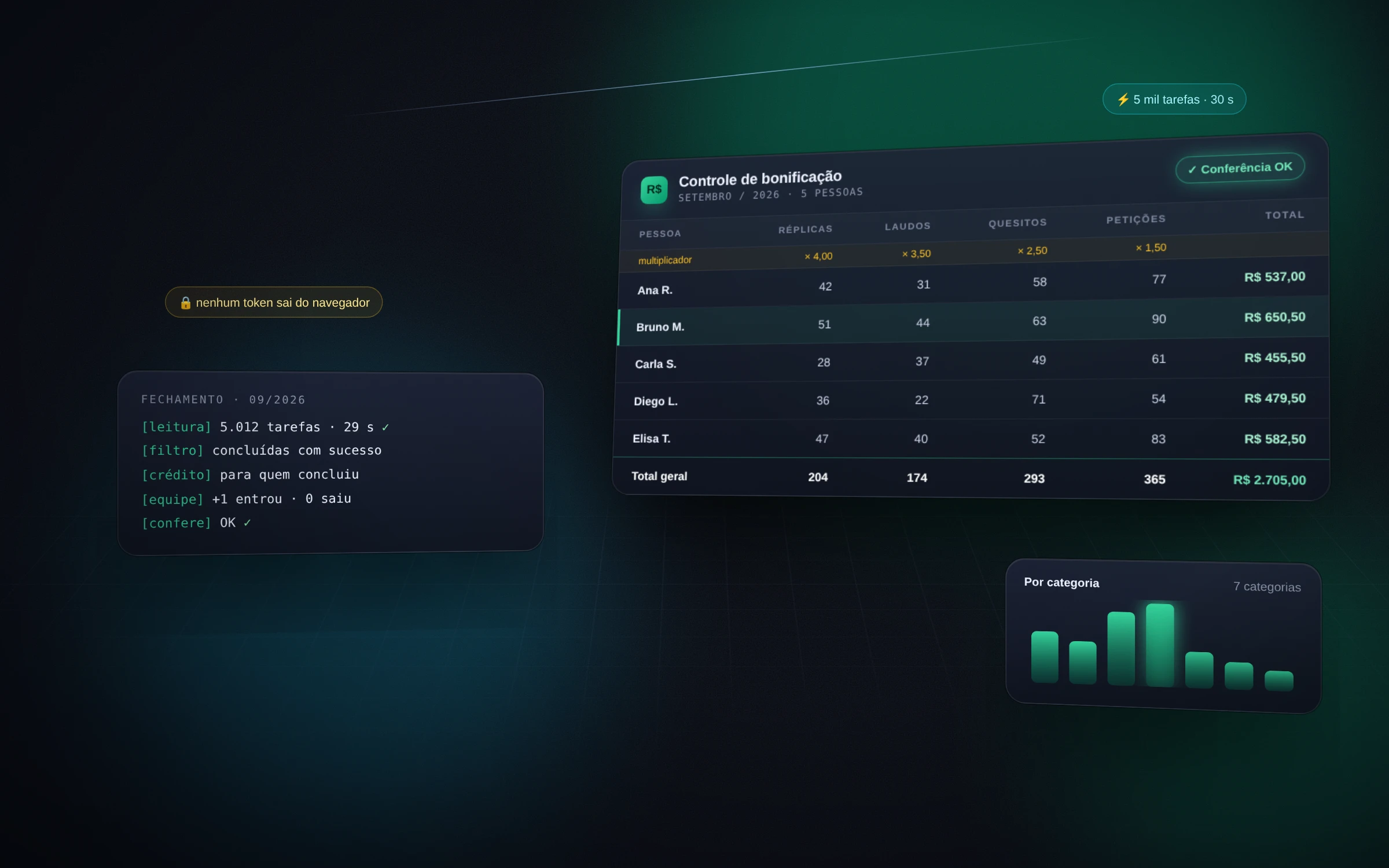
Monthly closing of a team's points-based bonus: reads the tasks completed in the management system, adds up each person's points, applies the goal ladder and delivers the calculated, verified spreadsheet.
- to read the month's 6k tasks
- 30 s
- categories with their own multiplier
- 19
Architecture
- Python
- JavaScript
- Excel
Features
- Reads every task completed in the month straight from the management system — about 6,000 in 30 seconds — with no report export and no copy-paste.
- Credit goes to whoever completed the task, not the assigned owner: on a task with two owners, only the one who finished it counts.
- Each task type falls into a category with its own multiplier; a new type shows up as "uncategorized" and waits for a decision instead of vanishing from the count.
- Points become a bonus through a goal ladder: score tiers, team and office marks, extras for those above average and a cap — plus negative points for errors assessed outside the system.
- The list of people is controlled by management in a register: anyone outside it shows up in the output, and an exception list stays out of the bonus.
- Automatic check: one cell shows OK or states the exact reason — uncategorized type, name off the list or mismatched points. A dry-run mode shows the result before writing anything.
- Historical averages per person and category, in a separate spreadsheet, to calibrate the goals.
Infrastructure
- A JavaScript extractor running inside the already logged-in page: it repeats the system's own query, and no token leaves the browser.
- Closing in Python with openpyxl, editing the spreadsheet in place — management's multipliers and manual columns are preserved, and dropdown lists are recreated.
- Recalculation by Excel itself through PowerShell, on a temporary copy, returning the cells in error; column migration by header text when the layout changes.
- No server and no new login: it runs on the computer of whoever closes the month.
What it solves
- Closing the month stops being a manual count of tasks per person.
- One transparent rule: each person knows where their points come from and what's missing for the next tier.
- Registration errors surface in the check before payment, not after.
- Management stays in the Excel it already knows, with no new tool to learn.
Want something similar?
Tell me how your process works today. In a quick call I get to know the problem and send a proposal with scope, timeline and price.